
Display. Touch. Compute. Together.
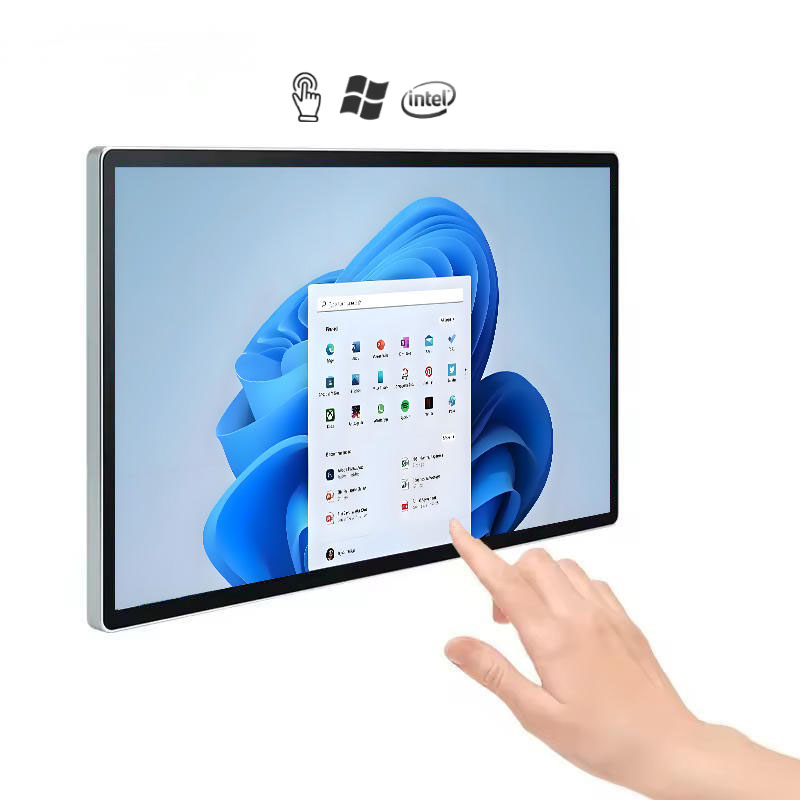
An integrated LCD touchscreen and computing platform for customer-facing applications. Android or Windows options let the hardware follow the software your project needs.
The right role
for the display.
Start with the real use of the product, then bring the installation and content requirements into the selection.
An integrated starting point
Bring the display, touch interface and computing platform into one device. The all-in-one format is suited to wall-mounted interfaces, product browsing and self-service terminals.
Choose the software environment first
Confirm whether the application runs on Android or Windows, then align the hardware configuration with it. Consider peripherals and application maintenance as part of the project.
Touch for real interactions
Capacitive-touch models support direct interaction. Design interfaces around readable text, clear touch targets and the height at which the screen will be used.
A project brief, before a specification.
| Device format | Integrated touchscreen and computing |
|---|---|
| Operating systems | Android or Windows options |
| Touch | Capacitive-touch models |
| Placement | Wall-mounted and project-specific installations |
| Integration | Third-party software compatibility to be confirmed |
This summary describes the product direction, not a universal model datasheet. Final hardware, software, dimensions and commercial terms are confirmed in the project quotation.
Product context: Alihh catalog ↗
Clarify the next decision.
Can I use my existing application?
Alihh offers Android and Windows options and describes software integration support. Share the application requirements so compatibility can be checked on the selected hardware.
How does this differ from a touch monitor?
An all-in-one combines the screen with computing. A touch monitor connects to a separate host. The right approach depends on how you want to install and maintain the system.
Compare other display directions.
A display project starts with the right questions.
Share your application, installation space and software requirements. Let us help you define the next step.